
Checkup 1.0.7 · User guide
Download Checkup Agent
Reviewed
Install the desktop application used to connect your computer and devices to Checkup.
Choose the correct download
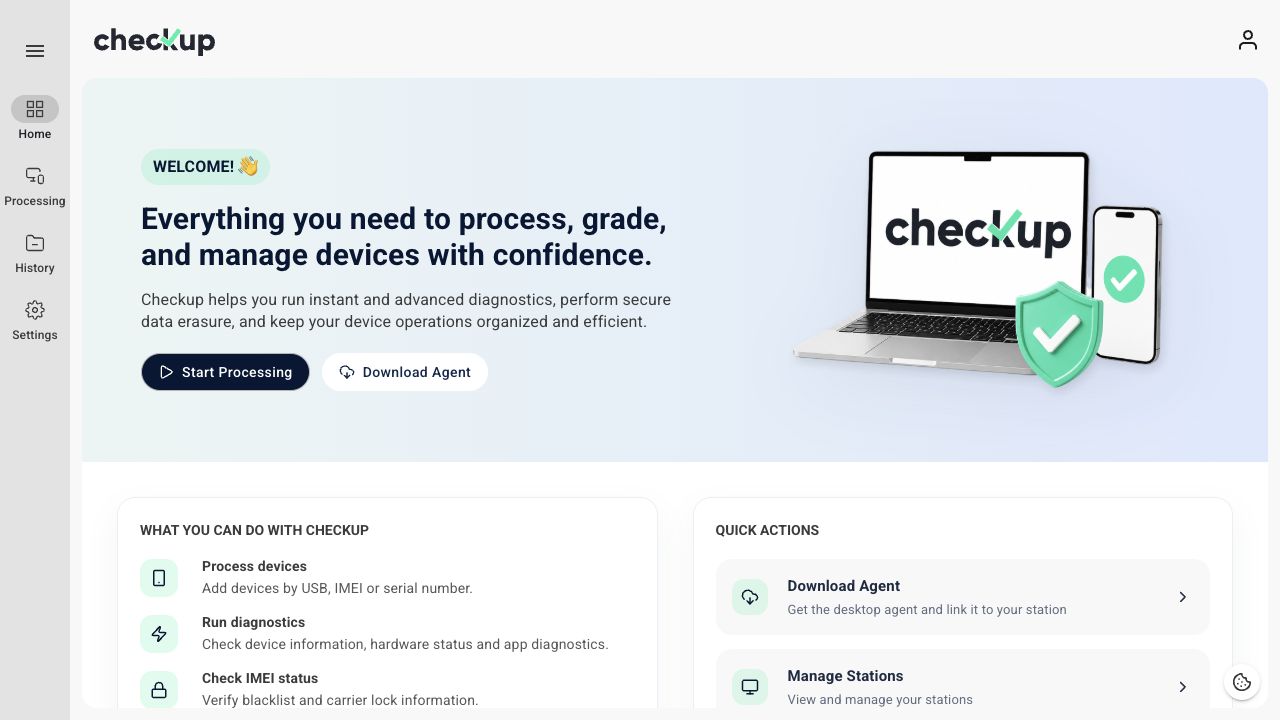
Open Checkup Home and choose Download Agent. The official downloads page offers macOS and Windows options.
- Mac with Apple Silicon: choose the Apple Silicon download.
- Mac with an Intel processor: choose the Intel download.
- Windows: choose the Windows download shown on the page.
On a Mac, About This Mac identifies the chip or processor. If you are unsure which Windows package matches your computer, check its system information before installing.
Official downloads
Download for macOS — Apple Silicon
Install and link Agent
- Download the installer for your computer from this page’s download buttons.
- Open the downloaded file and follow the installation prompts.
- Launch Checkup Agent.
- Start sign-in from Agent and complete the browser flow.
- Select your workspace and an available station.
- Keep Agent open while processing devices.
Follow the illustrated Connect Checkup Agent to a station guide for the full linking process.
Confirm it is ready
Open Processing → Stations in Checkup. Your station should show Agent linked: Yes and Agent status: Online. Choose Initialize to start the session.
If it remains offline, follow Agent not detected.
Screens show the Checkup interface with sample data. Names and results in your workspace will differ.